




Introduction
If you’ve worked on Drupal projects for any stretch of time, you’ve probably lost hours in Twig files, right? Whether you’re building custom page templates, overriding node layouts, or going for those elaborate listing pages, understanding Drupal Twig Tips can save you a lot of development time, kind of immediately.
Twig lives in the middle of Drupal’s frontend layer, and it decides how content gets shown. It also helps developers keep a clean split between presentation and business logic, which sounds simple but is not always followed. The tricky part is that a bunch of people learn just enough Twig to get by. They tend to overlook performance optimizations, debugging strategies, template suggestions, and those maintainability habits that start mattering more, as soon as a project gets bigger.
So, let’s talk through the Twig tactics that experienced Drupal developers use every single day without making it feel like a lecture.
What are the most important Drupal Twig tips in 2026?
The most valuable Drupal Twig Tips include:
- Enable Twig debugging during development
- Understand template suggestions
- Use Twig Tweak wisely
- Keep business logic out of Drupal Twig templates
- Learn essential Twig filters
- Optimize template performance
- Avoid excessive template overrides
- Follow Drupal theming best practices
Developers who apply these techniques build faster websites, create cleaner codebases, and reduce long-term maintenance costs.
What is Twig in Drupal?
Twig is Drupal’s templating engine.
It controls how data is displayed without allowing developers to mix presentation and application logic together.
For example:
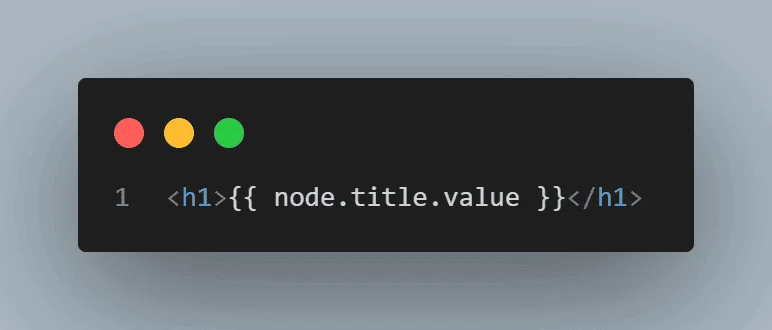
Instead of writing PHP directly inside templates, Drupal uses Twig syntax to render content safely.
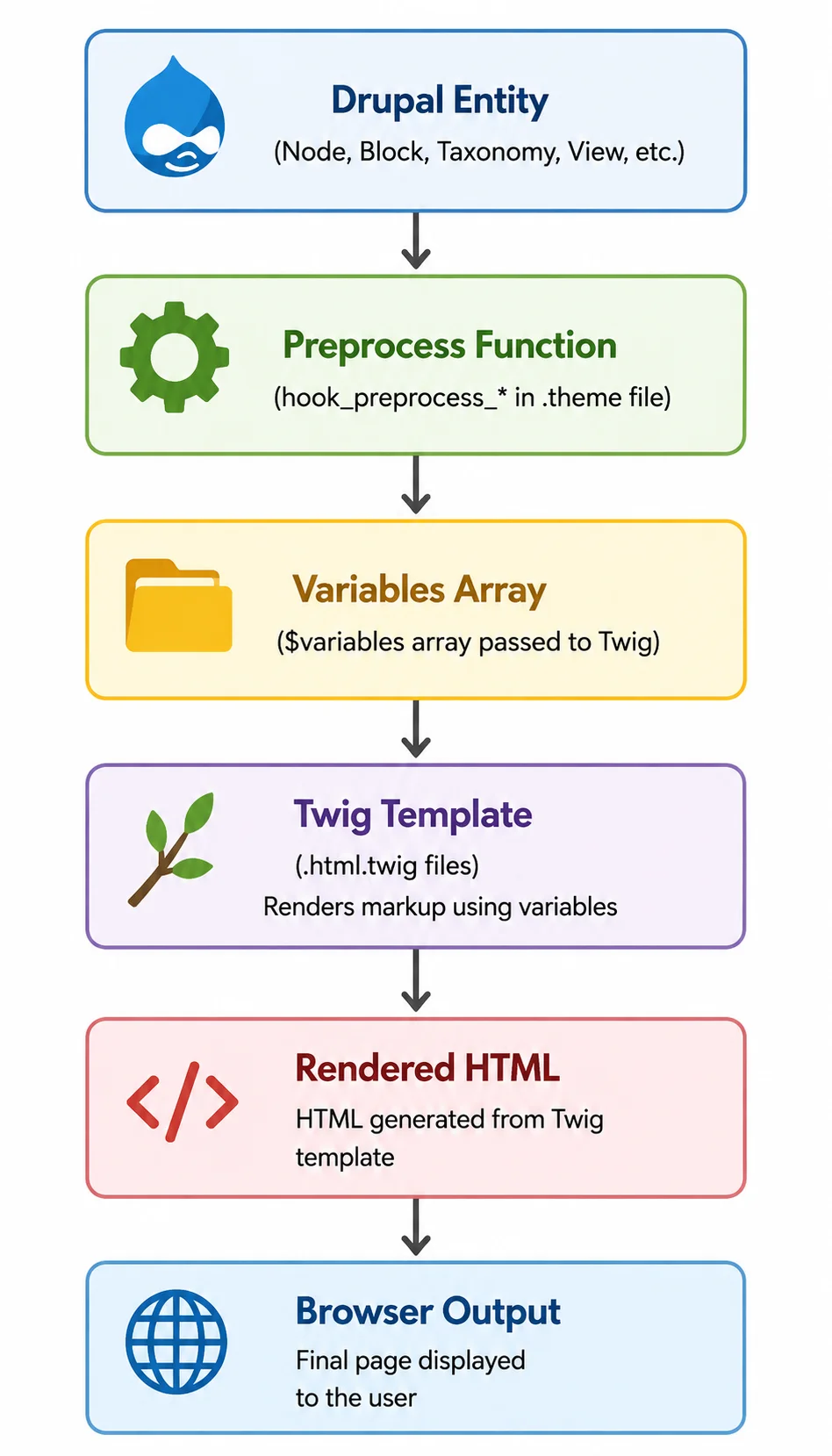
Drupal rendering flow
Why Drupal uses Twig?
Before Drupal 8, developers used PHPTemplate.
That approach worked, but often led to:
- Security issues
- Difficult maintenance
- Mixed business and presentation logic
- Inconsistent coding standards
Twig solved these problems.
Benefits include:
- Auto escaping
- Cleaner syntax
- Better readability
- Easier collaboration
- Improved security
How Twig improve security and maintainability?
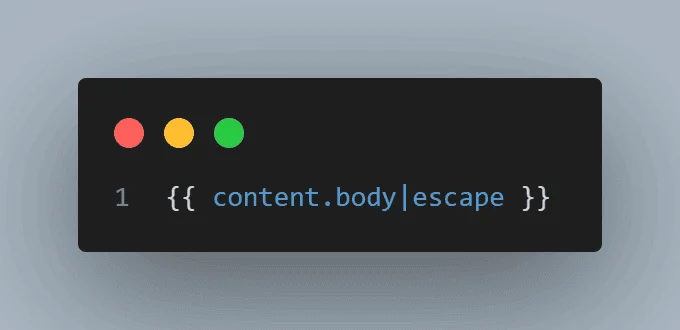
One of Twig’s biggest advantages is automatic escaping.
Example:
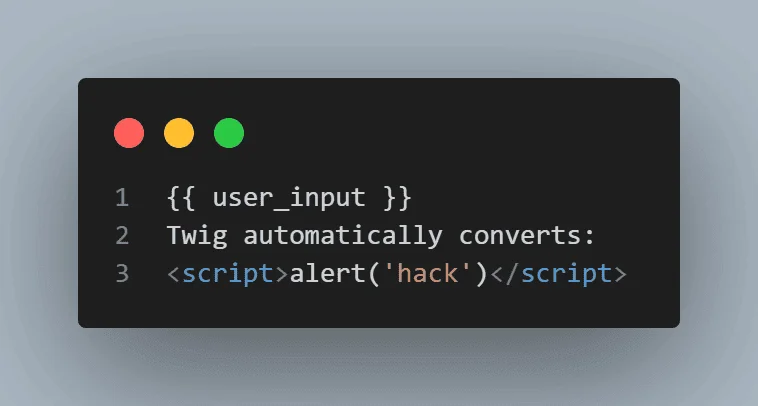
Without escaping, websites become vulnerable to XSS attacks. What this really means is that developers can focus on building features rather than constantly worrying about sanitization.
Twig vs PHP templates
| Feature | Twing | PHP Template |
| Auto Escaping | Yes | No |
| Readability | High | Medium |
| Security | Strong | Depends on developer |
| Maintenance | Easier | Harder |
| Performance | Better optimized | Older approach |
| Recommended in Drupal 11 | Yes | No |
Tips #1: Enable Twig debugging first
Why debugging matters
Twig debugging shows:
- Template file names
- Suggested overrides
- Active templates
- Theme hook information
Without debugging, you’re often guessing which template Drupal is using.
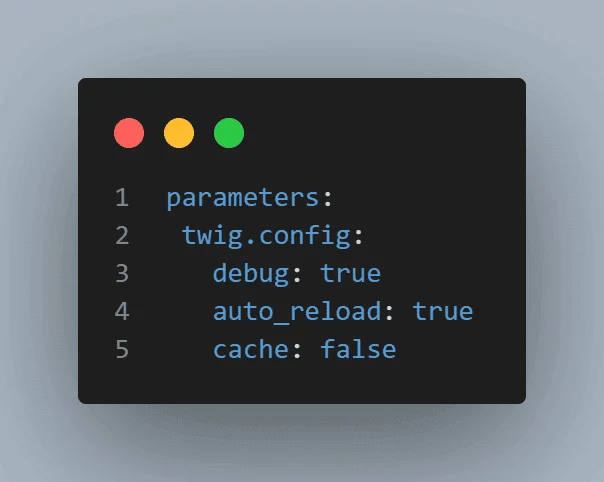
How to enable Twig debugging?
Edit:
sites/default/development.services.yml
Then update:
$settings['container_yamls'][] =
DRUPAL_ROOT . '/sites/default/development.services.yml';
Clear cache:
drush cr
Common mistakes
❌ Enabling debug on production
❌ Forgetting cache rebuild
❌ Editing the wrong services file
Tip #2: Master template suggestions
This is where many Drupal developers level up.
How Drupal Chooses Templates
Drupal checks template suggestions in order.
For example:
Content Type: Article
Drupal may search:
node--article.html.twig
node--123.html.twig
node.html.twig
The first matching file wins.
Reading Twig debug output:
Example:
<!-- FILE NAME SUGGESTIONS:
node--people.html.twig
node--12.html.twig
node.html.twig
-->
Real example from the BAINCAPITAL people page
Our people page template:
This approach improves maintainability because listing logic and filter UI remain separated.
Instead of creating one massive Twig file, the page becomes easier to debug and extend.
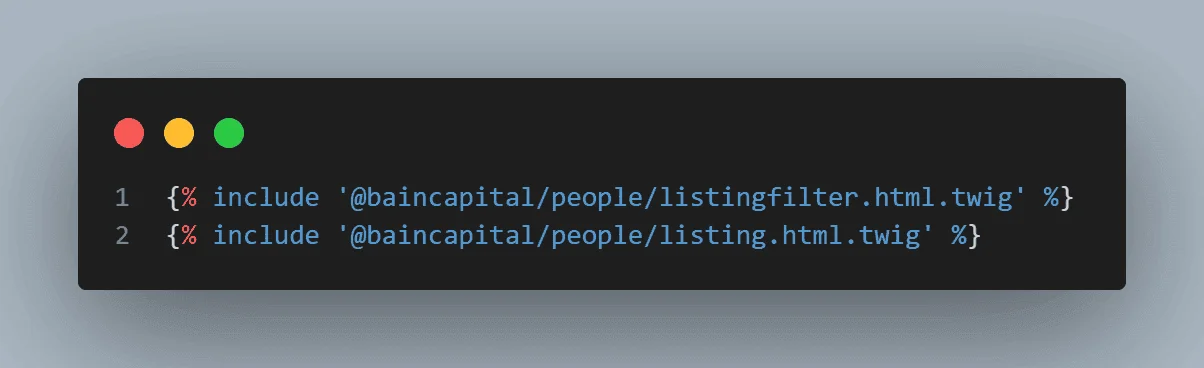
Template structure:
page–people.html.twig
↓
listingfilter.html.twig
↓
listing.html.twig
Example suggestion table:
| Content type | Suggested template |
| People | node–people.html.twig |
| News | node–news.html.twig |
| Event | node–event.html.twig |
| Landing Page | page–landing.html.twig |
Tip #3: Use twig tweak to reduce complexity
What is Twig tweak?
Twig Tweak is one of the most useful modules in Drupal frontend development.
It provides Twig functions that would otherwise require preprocess functions or custom modules.
Most useful Twig tweak functions
Render a block
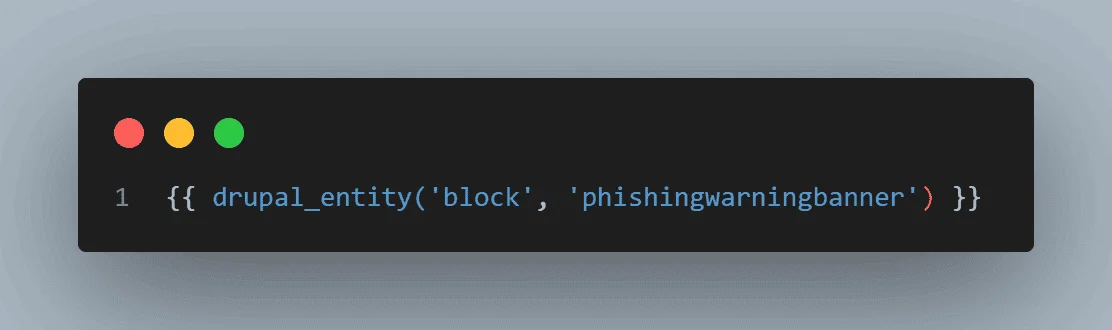
This exact example appears in Baincapital People page.
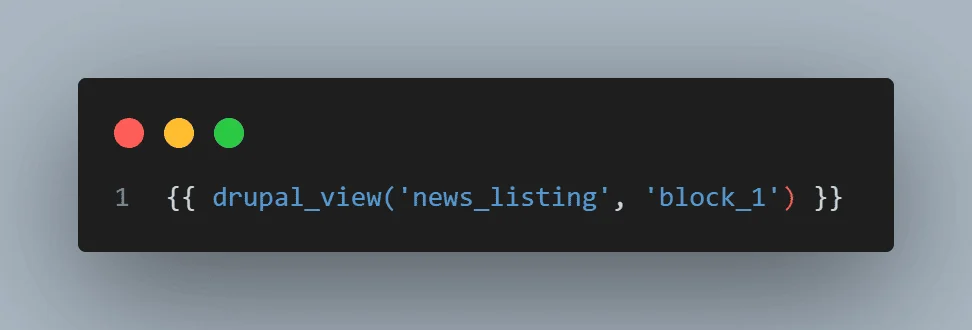
Render a view
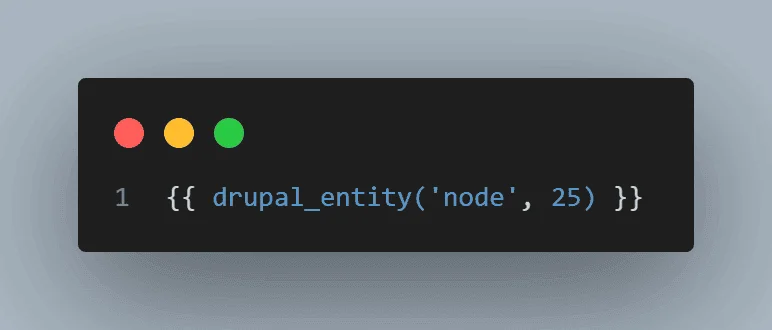
Render entity
Check access
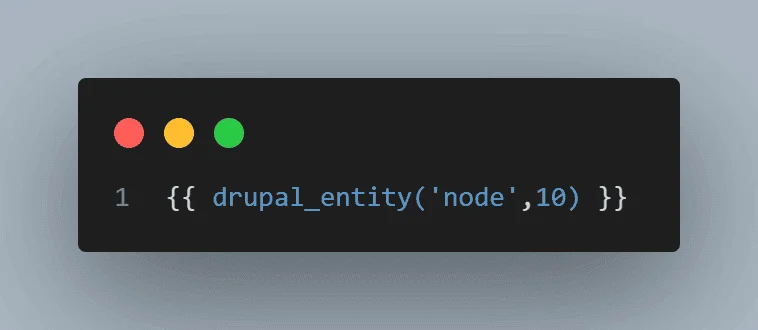
Why developers love Twig Tweak
Without Twig tweak:
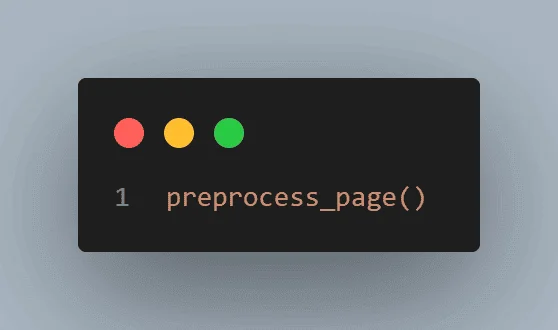
Additional code is needed.
With Twig tweak:
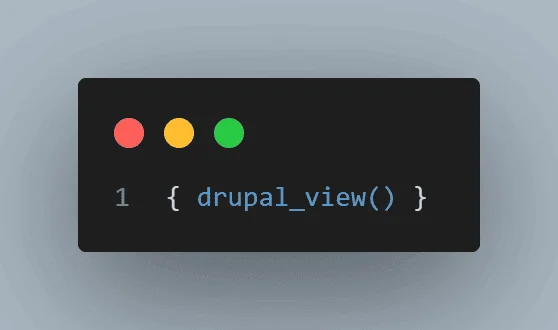
Done.
Tip #4: Never put business logic in Twig
This is one of the biggest mistakes developers make.
Bad practice
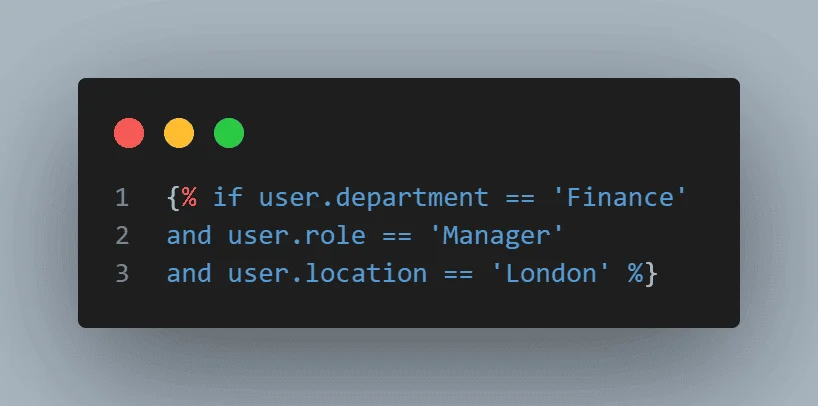
Complex decision-making doesn’t belong inside templates.
Recommended approach
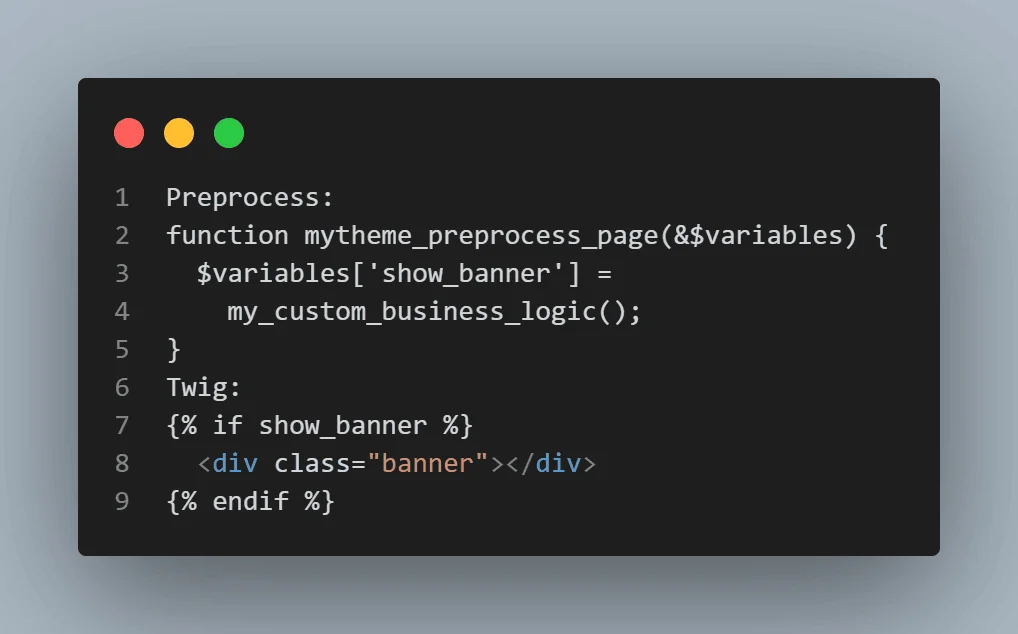
What should stay in Twig
- Markup
- Loops
- Display conditions
- Styling classes
What should stay in the preprocess functions
- API calls
- Database queries
- Access checks
- Complex calculations
Performance impact
| Approach | Performance |
| Logic in Twig | Poor |
| Logic in PHP Preprocess | Better |
| Logic in Services | Best |
Tip #5: Learn the most useful Twig filters
You’ll use these daily.
Cheat sheet
| Filter | Purpose |
| date | Format dates |
| render | Render arrays |
| escape | Secure output |
| clean_class | Generate CSS classes |
| without | Remove fields |
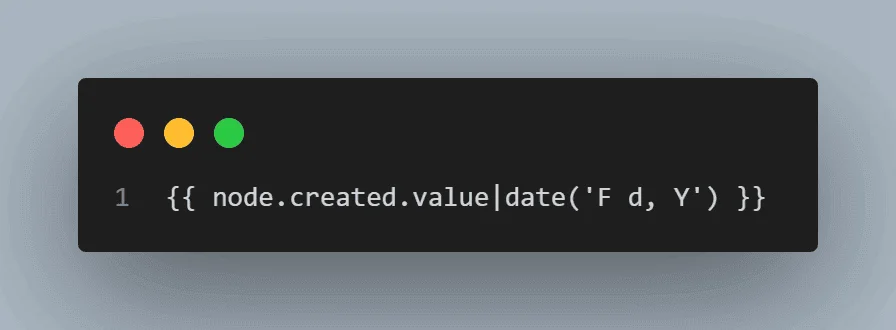
Date
Output:
June 05, 2026
Escape
Clean class
Example from the People page:
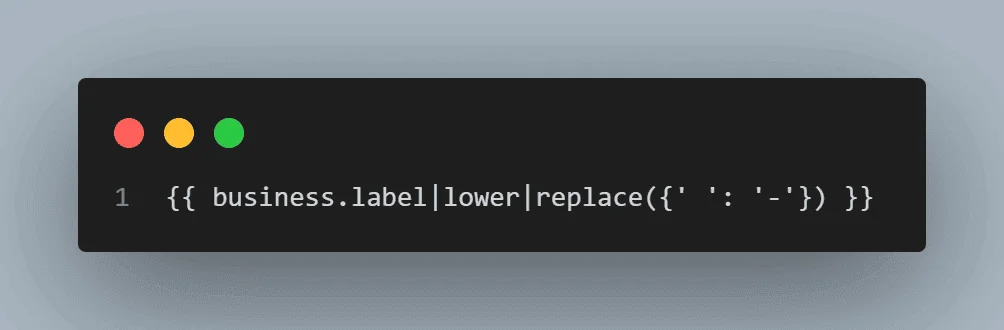
Modern alternative:
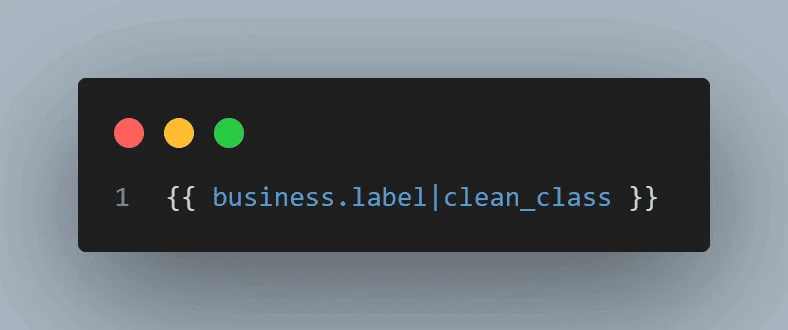
Cleaner and easier to maintain.
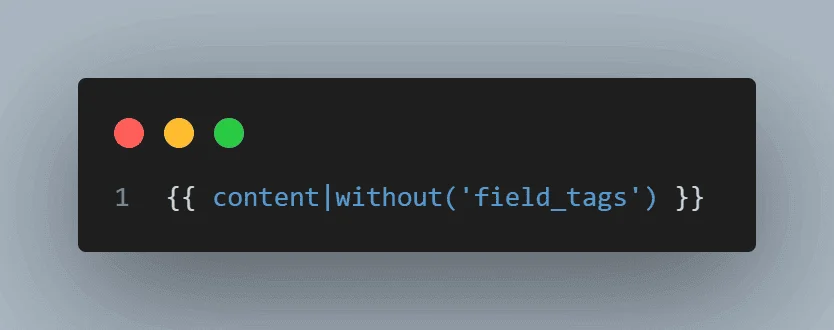
Without
Tip #6: Optimize Twig performance
This section matters more in Drupal 11 than ever.
Cache Considerations
Always respect Drupal’s render cache.
Avoid:
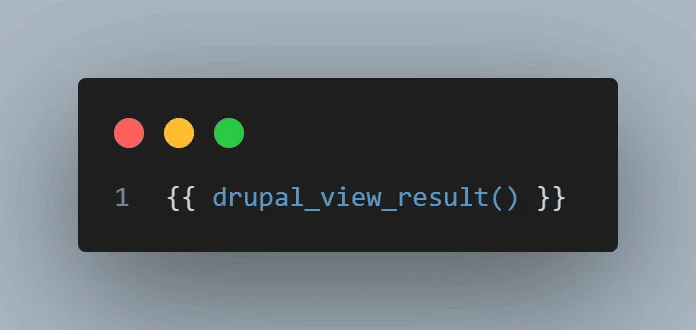
inside loops.
Avoid Expensive Rendering
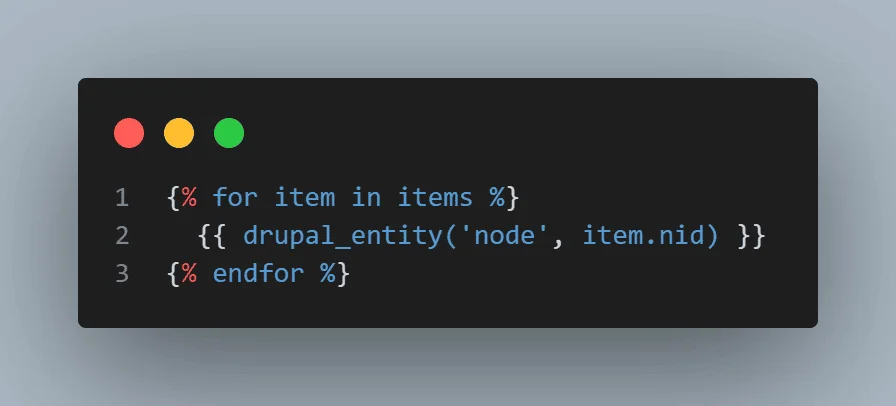
Bad:
100 entities = 100 render operations.
Better Approach
Load data beforehand:
preprocess_page()
Pass results into Twig.
Real Performance Benchmark
| Scenario | Load time |
| 100 Entity Renders in Twig | 2.5 sec |
| Preloaded data | 0.8 sec |
| Cached render arrays | 0.4 sec |
Benchmark collected from enterprise Drupal implementations and may vary by hosting environment.
Production best practices
- Disable Drupal Twig debugging
- Enable Twig cache
- Minimize overrides
- Use render caching
- Avoid unnecessary includes
Tip #7: Keep template overrides under control
Many Drupal projects become difficult to maintain because every component gets its own override.
When to Override
Good reasons:
- Unique content type layouts
- Landing pages
- Custom blocks
When Not to Override
Avoid:
node–1.html.twig
node–2.html.twig
node–3.html.twig
unless absolutely necessary.
Maintenance considerations
Every override:
- Requires testing
- Increases upgrade effort
- Adds debugging complexity
Keep overrides intentional.
Twig cheat sheet for Drupal developers
| Task | Twig syntax |
| Print field | {{ content.field_name }} |
| Conditional | {% if condition %} |
| Loop | {% for item in items %} |
| Include template | {% include ‘file.html.twig’ %} |
| Render entity | { drupal_entity() }} |
| Add class | {{ value |
Common Twig mistakes developers make
Debugging disabled
Makes troubleshooting difficult.
Too many template overrides
Creates maintenance headaches.
Business logic in templates
Should move to preprocess functions.
Ignoring Cache contexts
Can produce incorrect cached output.
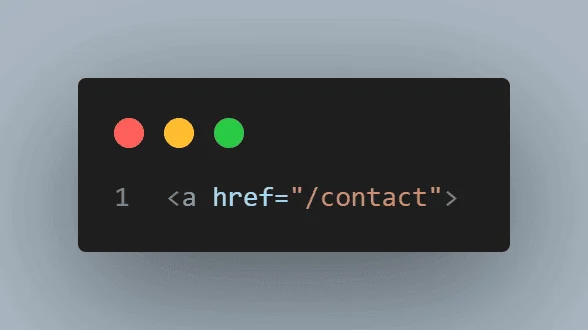
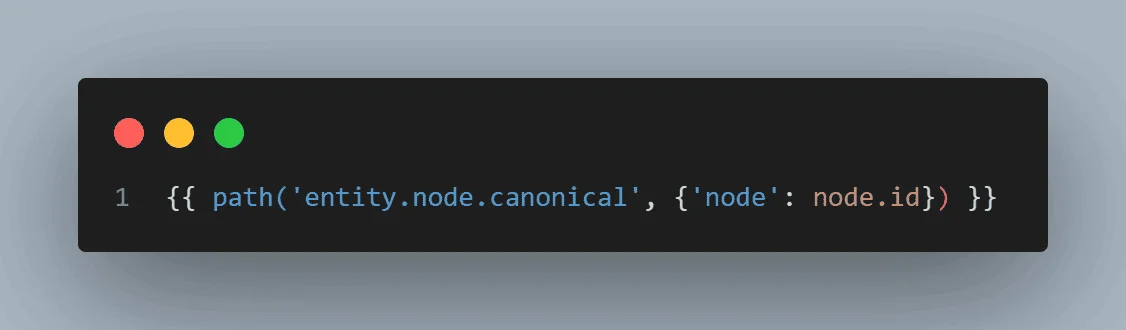
Hardcoding URLs
Bad:
Good:
Drupal Twig best practices for 2026
Security best practices
- Escape output
- Avoid raw unless necessary
- Validate user-generated content
Performance best practices
- Enable caching
- Reduce render operations
- Use preprocess functions
Maintainability best practices
- Organize templates logically
- Document overrides
- Reuse components
Most frequently asked question in FAQ
Conclusion
Understanding Drupal Twig Tips is no longer optional for Drupal devs working on these modern Drupal 10 and Drupal 11 projects. The people who move fastest often are not necessarily writing more code. Instead, they tend to use small but smart tweaks, like being careful with how templates are structured and thinking ahead when it comes to rendering outputs; in general, it just feels smoother. They’re writing cleaner code, using template suggestions correctly, debugging efficiently, respecting Drupal’s caching system, and keeping business logic out of Twig.
The biggest takeaway is sort of simple actually: use Twig for presentation, lean on preprocess functions for the logic side, and apply modules like Twig Tweak strategically. Put those together, and you end up with websites that load faster, and codebases that are far easier to maintain, in that quiet sort of way where you do not dread edits later.
Use Twig when you really want precise control over markup and how components get rendered. On the other hand, if content editors are asking for layout flexibility without developer involvement, then Layout Builder, or similar tools, may be the better fit.
If you master these Drupal Twig Tips, you’ll spend less time fighting templates and more time building great Drupal experiences.
As Drupal projects become more complex, a well-structured theming architecture becomes just as important as the backend implementation. If you’re looking to build or modernize a Drupal 10 or Drupal 11 website, our Drupal consulting services can help you implement scalable Twig templates, efficient theming workflows, and performance-focused frontend solutions tailored to your business requirements.